Default · more signals
Standard mode
- BuyThe normalised 10/38 score crosses above 55 and the trend line turns green.
- SellThe score crosses below 45 and the trend line turns red.
- SuitsTrending markets on H1 and H4, and traders who want every turn.
TradingView · Open source · Free
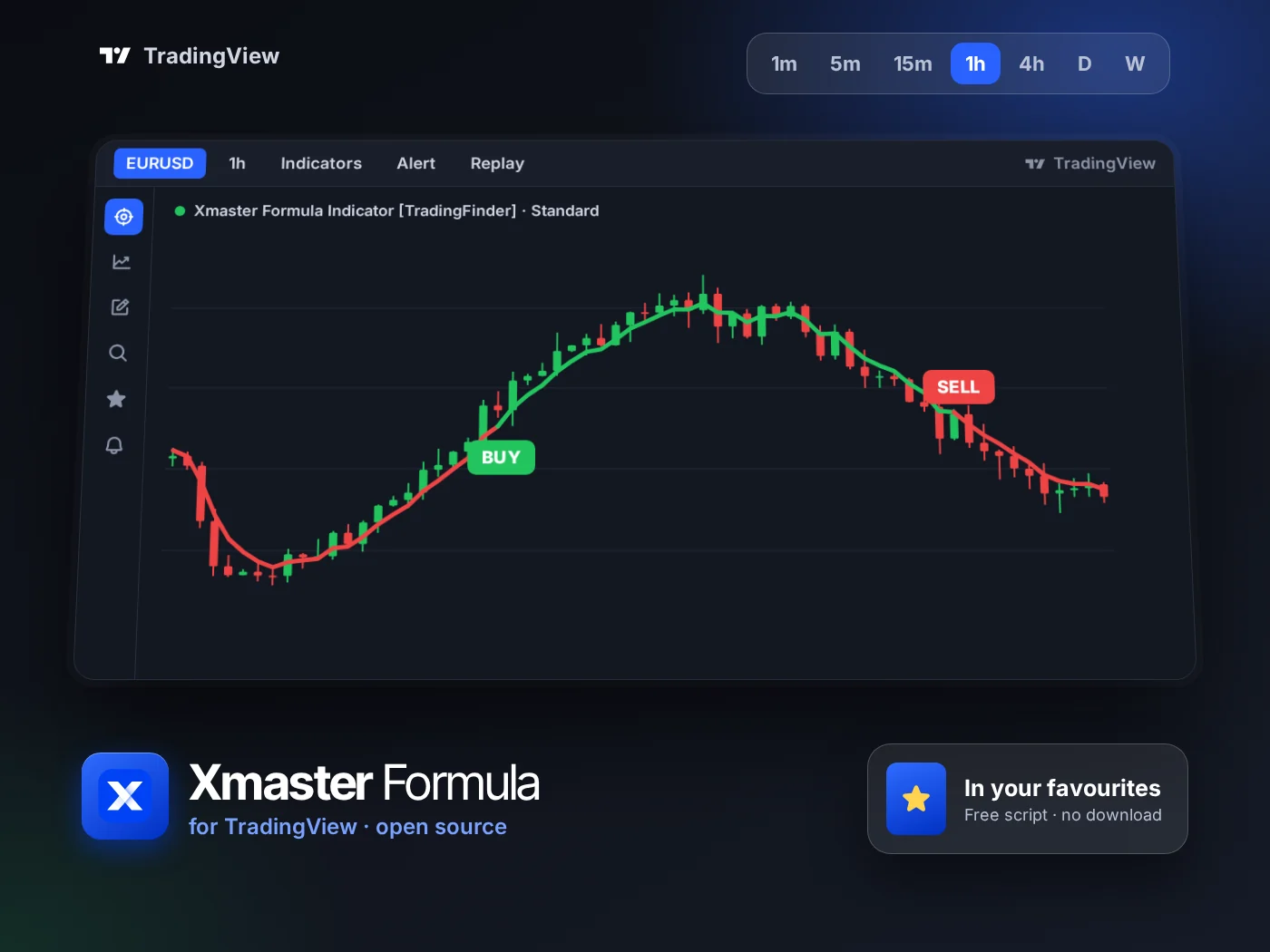
Run the Xmaster (XHMaster) formula on any TradingView chart, in the browser or the app. The open-source script by TradingFinder draws the green and red trend line and its buy and sell signals, in a Standard and a stricter Advance mode.
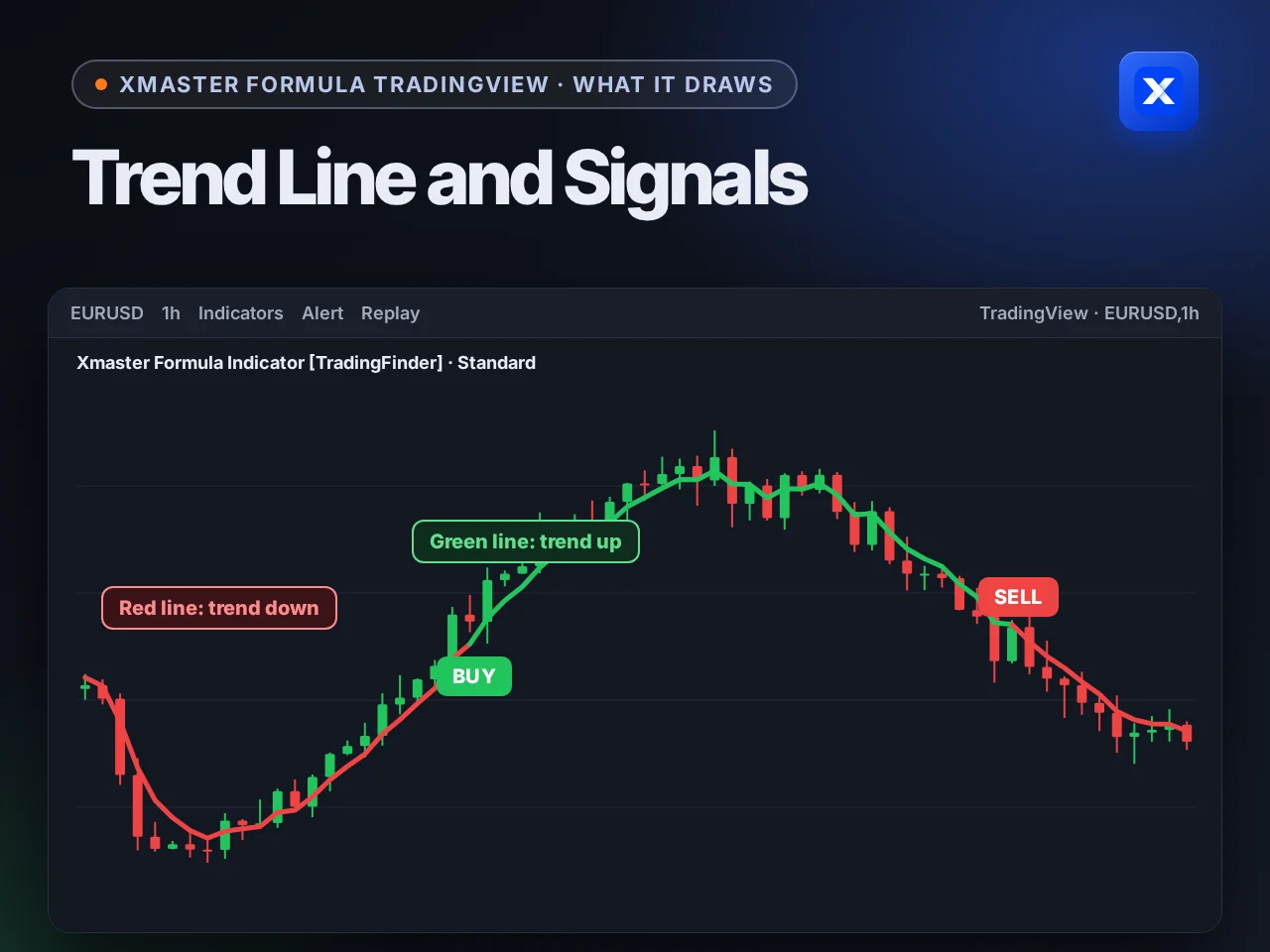
What it draws
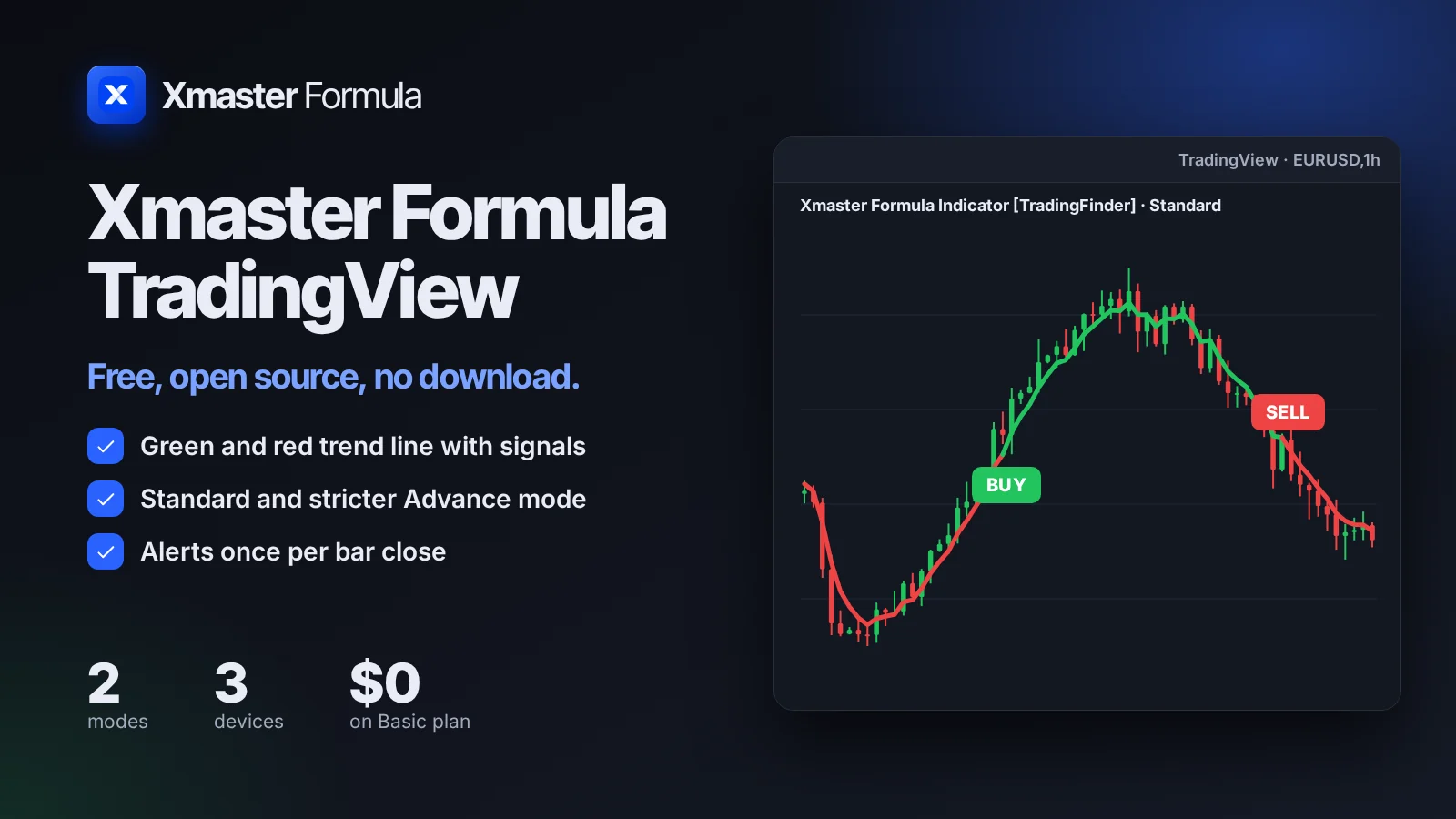
Two things appear on the chart and they always agree. The line gives the direction and changes colour when the trend turns, and a signal label marks the candle where it turned.
Partner brokers
Open a free account with one of our three partner brokers and trade the Xmaster signals there. Each one offers a demo account to practise on first.

Fast binary trades from 5 seconds, real and OTC pairs, a free demo account.
Sign up on Pocket Option
A clean trading screen, OTC pairs around the clock and a free demo to practise on.
Sign up on Quotex
Fixed time trades on forex, metals and crypto, with a free demo account.
Sign up on Olymp TradePartner links: we may earn a commission when you open an account, at no cost to you. Trading carries a high risk of loss.
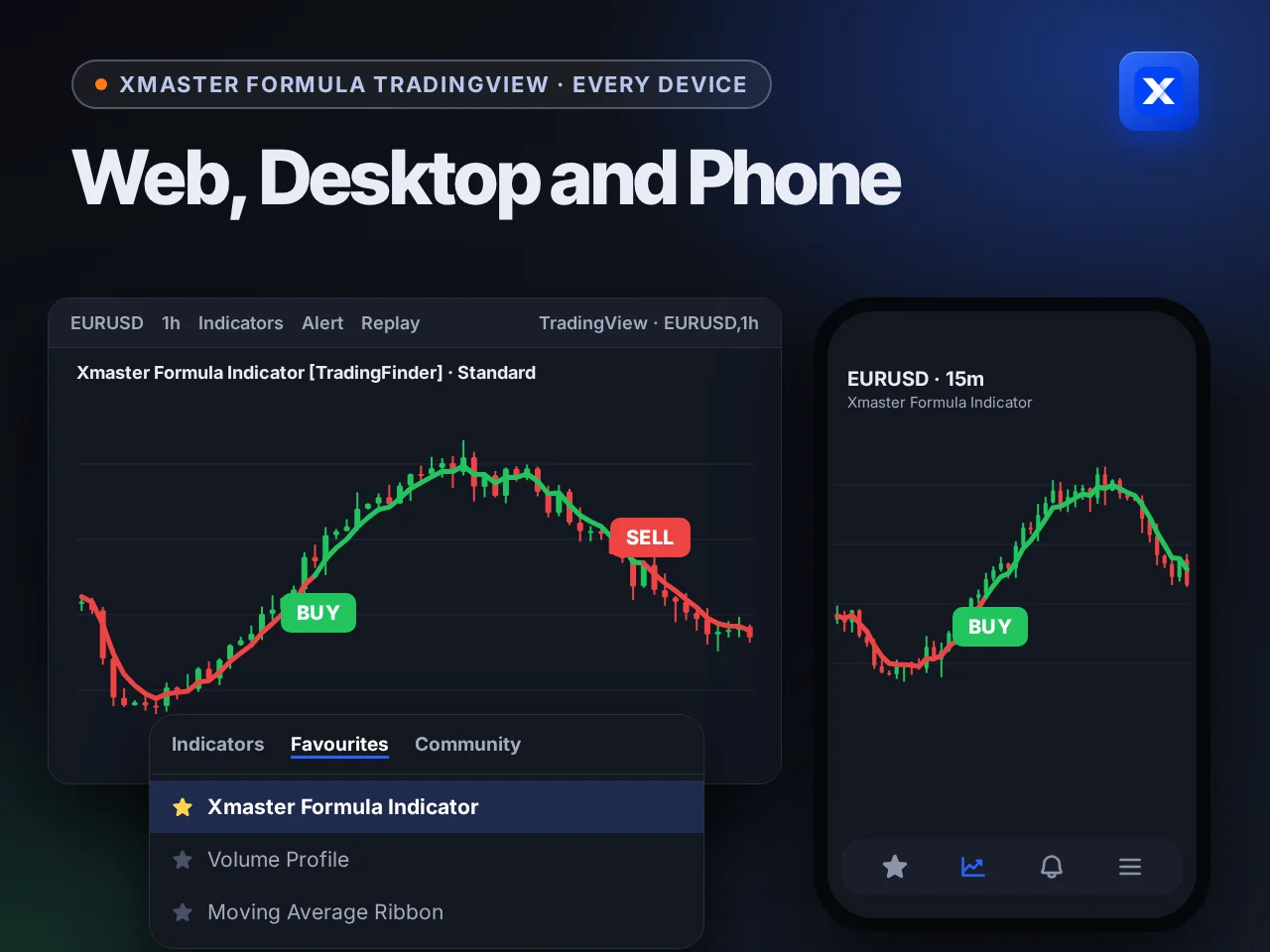
Every device
The script is saved to your TradingView account, not to one computer. Add it to favourites once and it waits under Indicators on every device you sign in on.
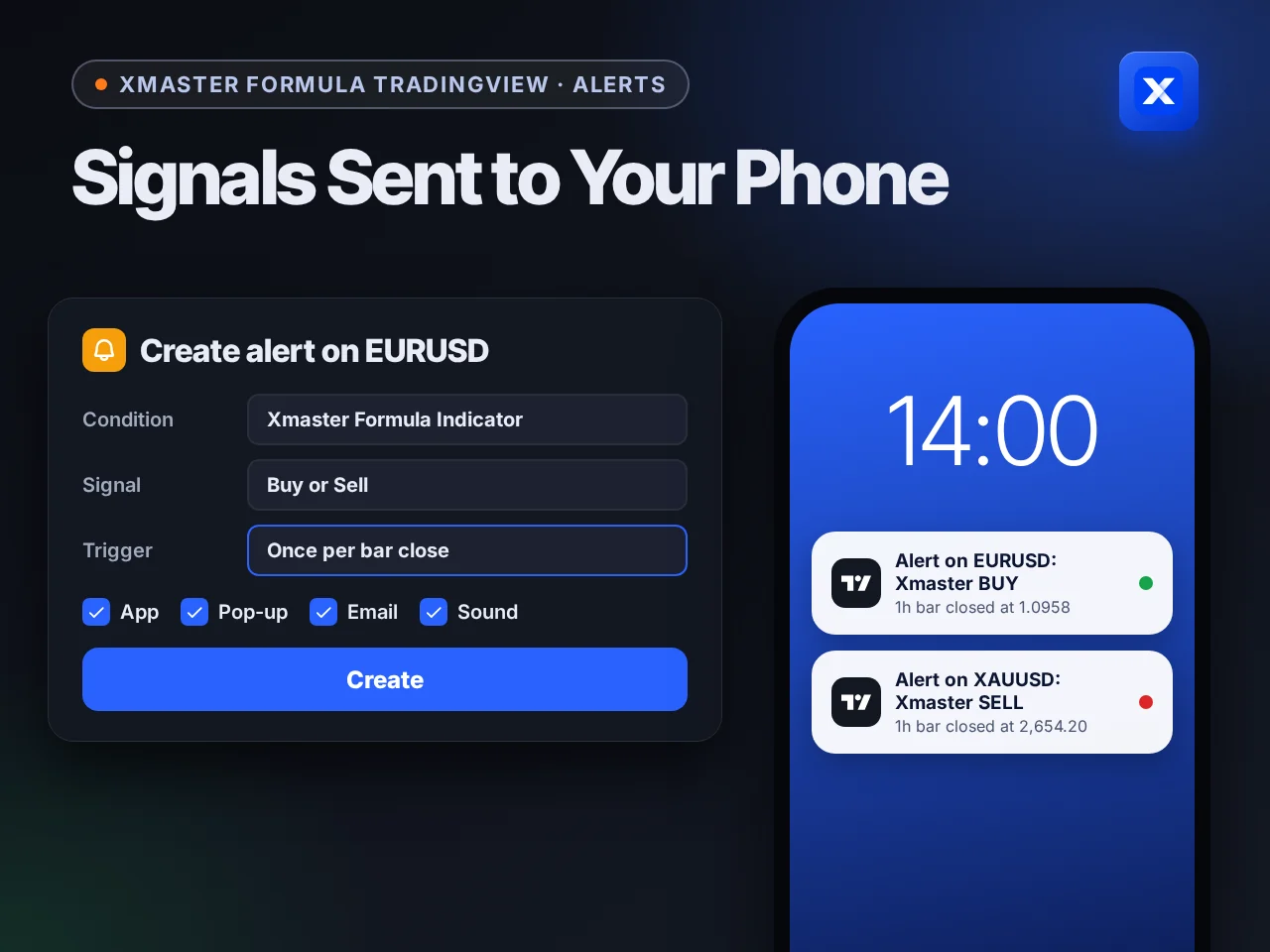
Alerts
TradingView watches the script on its own servers. Set the alert to once per bar close and you hear about a signal only after its candle has closed.
At a glance
The free script, what it draws and how it tells you. Everything it adds to your TradingView chart, on one screen.
About the script
TradingView does not run MetaTrader files, so the formula lives there as its own script. TradingFinder published it as open source: you can open the code and check exactly how each signal is calculated.
It follows the same logic as the 2026 MetaTrader builds. If you trade on MetaTrader too, the MT4 and MT5 files give you the same signals there.
| Details | |
|---|---|
| Script name | Xmaster Formula Indicator [TradingFinder] No Repaint Strategies |
| Author | TradingFinder |
| Published | 15 January 2025 |
| Licence | Open source, under TradingView's House Rules |
| Price | Free on every TradingView plan, including the free Basic plan |
| Equivalent MetaTrader builds | Xmaster Formula Signals 2026, MT4 2026 + Signals and MT5 2026 + Signals |
Paid version · 3 signals
TradingFinder also publishes a paid TradingView version that adds divergence, reversal and continuation signals to the Xmaster trend view, with momentum, price bands and a dashboard on one chart.
Price makes a lower low while momentum makes a higher low, or the mirror for a sell. Each one is graded Normal, Good or Strong by how many come in a row.
Price closes outside the outer band, then closes back inside it. The signal marks the turn back toward the middle.
After a strong push past an outer band, price pulls back and closes past the central band again, in the trend's direction.
One table shows band position, trend power and the latest divergence on 5m, 15m, 1H, 4H and Daily.
Add it to your chart
Nothing to download or install. It takes under a minute, and the script follows your account to every device you sign in on.
Go to the Xmaster Formula script on TradingView and sign in. A free account is enough.
Click the star next to the script name, or the Add to favourites button. The script is now saved to your account.
Open any chart: a forex pair, gold, an index or a crypto pair. The timeframe can be changed at any time.
Click Indicators on the top toolbar, choose the Favourites tab and click Xmaster Formula Indicator. It appears on the chart at once.
Click the gear next to the indicator name and choose Standard or Advance under Method. Start with Standard.
Modes
The Method input switches between them. Standard reads the crossover alone. Advance only signals when all four confirmations agree, so it prints far less often.
Default · more signals
All four must agree · fewer signals
Inputs
These are the inputs the script ships with. Keep them until you know how the defaults behave on your market.
| Input | Default | Use |
|---|---|---|
| Method | Standard | Standard or Advance |
| Short EMA | 10 | The fast average in the crossover |
| Mid EMA | 20 | A middle reference for the trend |
| Long EMA | 38 | The slow average in the crossover |
| MACD fast, slow, signal | 12, 26, 9 | The histogram check in Advance mode |
| RSI length | 14 | The RSI check in Advance mode |
| Stochastic length | 14 | The Stochastic check in Advance mode |
No repaint
An indicator repaints when signals in the past move or vanish after the fact, so its history looks better than it traded. The Xmaster script calculates on candle data and keeps the signals on closed candles where they printed.
On a closed candle. A signal stays. This is the one you trade.
On the live candle. The score moves with every tick. A signal can show and then disappear before the close.
The rule. Act on the candle after the signal candle has closed, never inside the one still forming.
Live candle
Signal can still change
Closed candle
Signal is final
Alerts
TradingView can watch the script for you and send the signal to your phone. The number of active alerts depends on your TradingView plan.
With the indicator on the chart, click Alert on the top toolbar, or press Alt+A.
Under Condition, pick Xmaster Formula Indicator, then the plot or signal you want to watch, such as the score crossing 55 or 45.
Set the trigger to Once per bar close. This matches the no repaint rule: you are told only after the candle closes.
Tick app notification, pop-up, email or sound, then click Create. Alerts run on TradingView's servers, so your computer can be off.
FAQ
Yes. The No Repaint Strategies script is open source and free on every TradingView plan, including the free Basic plan. The 3-in-1 signals version is paid.
A paid TradingView script by TradingFinder with three signal types: regular divergence, reversal and continuation, plus a multi-timeframe dashboard. Paid access starts at $48.88. See it on TradingView.
It is published on TradingView by TradingFinder, as Xmaster Formula Indicator [TradingFinder] No Repaint Strategies, dated 15 January 2025.
It follows the same formula: an EMA 10/38 crossover scaled from 0 to 100 with triggers at 55 and 45, plus MACD, RSI, Stochastic and Parabolic SAR in Advance mode. The 2026 MetaTrader builds are its equivalent.
Signals on closed candles stay where they printed. On the candle still forming, the score moves with price, so wait for the close before acting and set alerts to once per bar close.
Start with Standard to see every turn of the trend. Switch to Advance if you want fewer signals that need four more indicators to agree.
Yes. Add the script to favourites once, and it is available under Indicators, Favourites on the web, the desktop app and the phone app.
No. It draws signals and can trigger TradingView alerts. You place the trades on your broker yourself.
Other versions
One formula, four places to run it. Pick the one that matches where you trade.

The .ex4 file for MetaTrader 4, with the 2026 three-signal build and the classic 2025 build.

The .ex5 file for MetaTrader 5, with the same two builds and the same settings.
Fast 5, 15 and 30 second signals for Pocket Option and Quotex, right in your browser.
Pick your platform. Every version is free, and each page walks you through the install in a few minutes.