Live
BUY
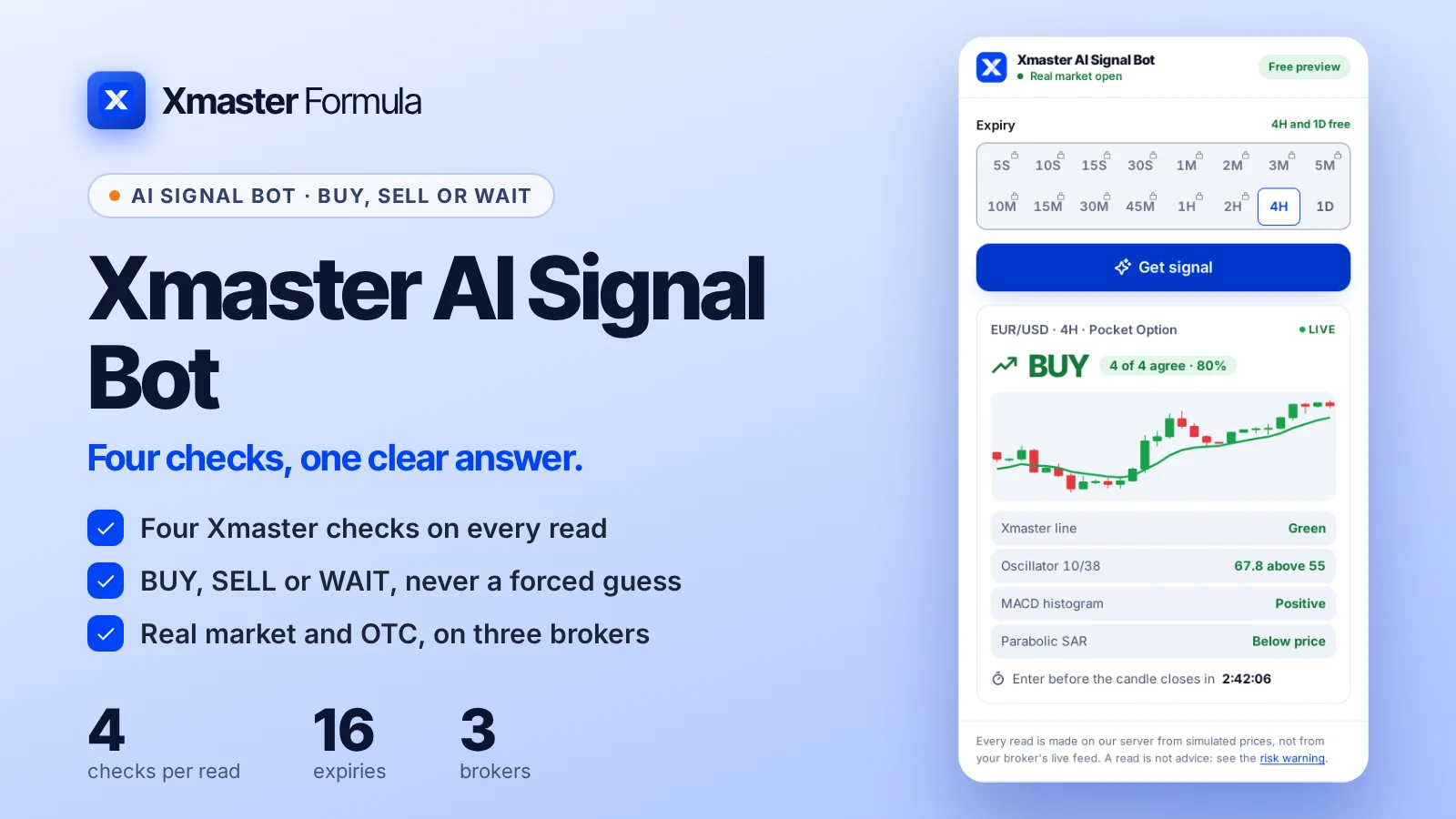
- Xmaster lineGreen
- Oscillator 10/3863.8
- MACD histogramPositive
- Parabolic SARBelow price
Enter before the candle closes in
Pocket Option · Quotex · Olymp Trade · Free
Choose your broker, a pair and an expiry from 5 seconds to 1 day. The bot runs the four Xmaster checks on the latest candles and answers BUY, SELL or WAIT, with how many checks agree and the time left to enter.
Signals for
 Pocket Option
 Quotex
 Olymp Trade
This is an independent, unofficial app made by the Xmaster Formula team. Pocket Option, Quotex, Olymp Trade and IQ Option have not approved it, and it is not their official app.
Broker affiliation and unofficial apps. We have affiliate relationships with these binary options brokers: IQ Option, Pocket Option, Olymp Trade, Quotex, Alpari, Binomo, Exnova and Deriv. Every app, robot and tool on this site is built by us and is an unofficial third-party product. None of these brokers built, approved or authorized it.
Xmaster AI Signal BotReal market open
Free previewAI is scanning the marketEUR/USD
Set your broker, market, expiry and pair, then press Get signal.
Every read is made on our server from simulated prices, not from your broker's live feed. A read is not advice: see the risk warning.
Live
BUY
Enter before the candle closes in
How to use
Five screens from the bot above, in the order you use them: where you trade, the expiry, the pair, the scan and the answer.
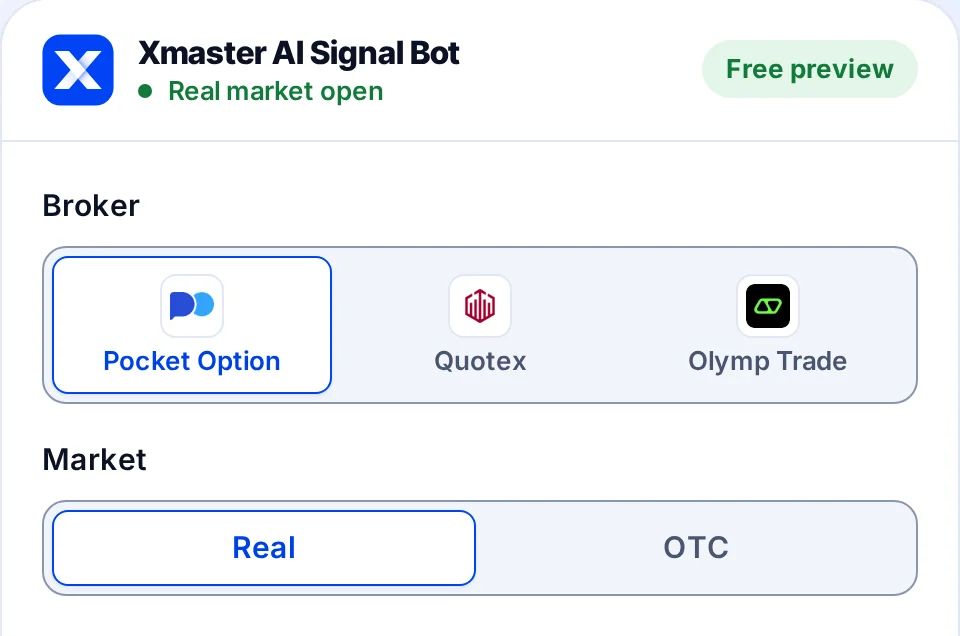
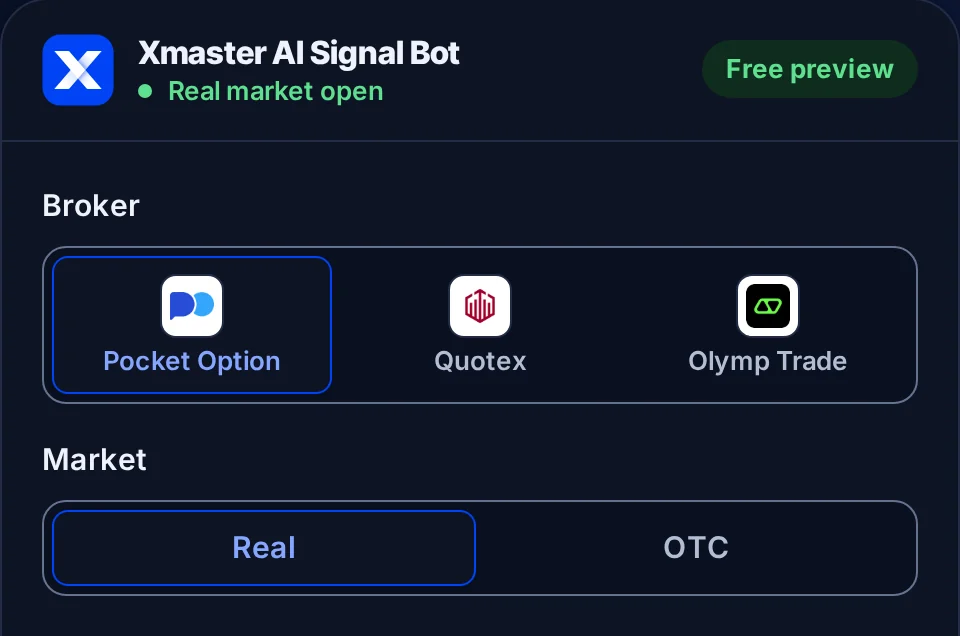
Step 1 of 5 · Broker and market
For you: set both to the screen you are about to trade on, before anything else.
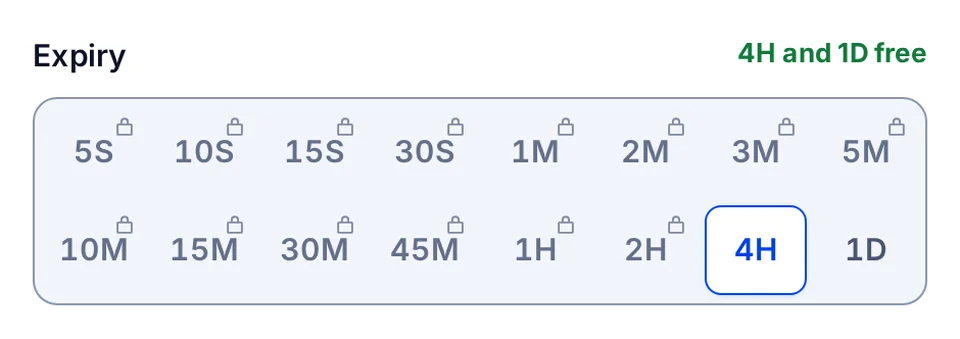
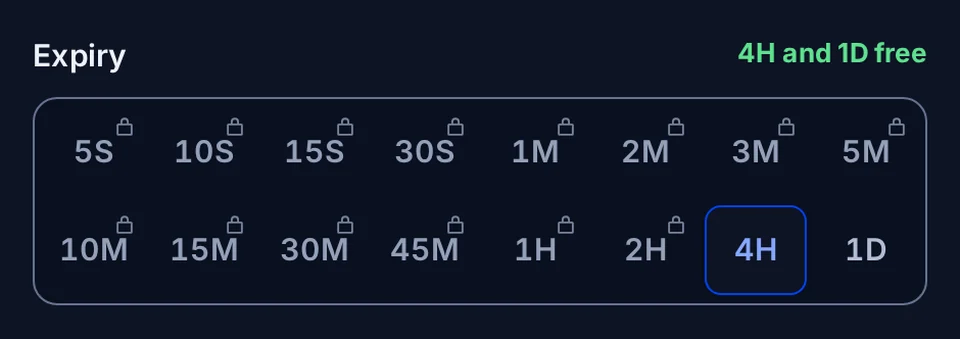
Step 2 of 5 · Expiry
For you: choose the expiry you will buy on your broker, not a shorter one because it feels faster.
Step 3 of 5 · Pair
For you: a read is for this pair only. A read on EUR/USD says nothing about GBP/USD.
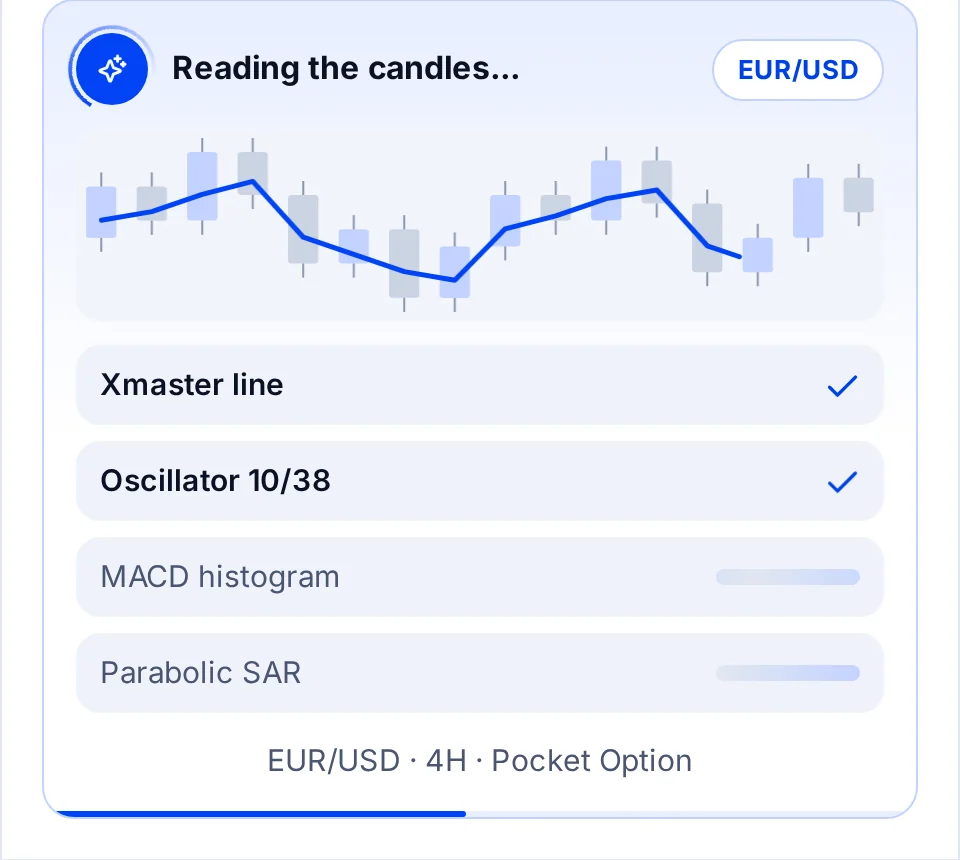
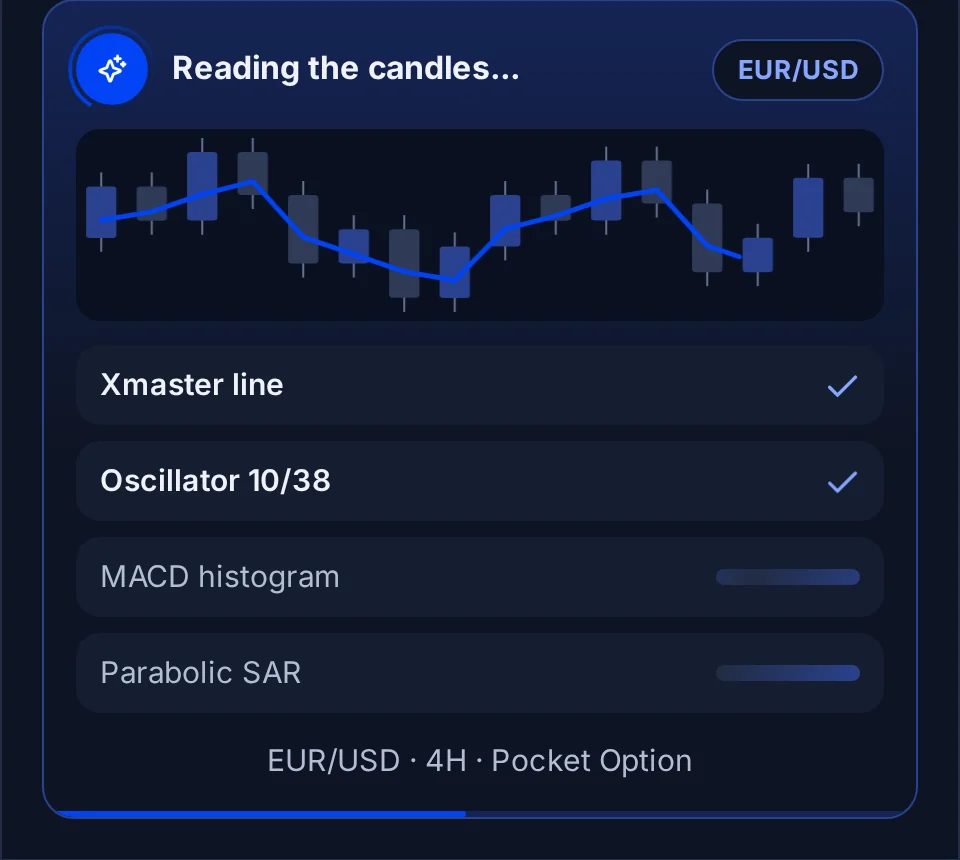
Step 4 of 5 · The scan
For you: wait for the answer. Never enter a trade on the animation.
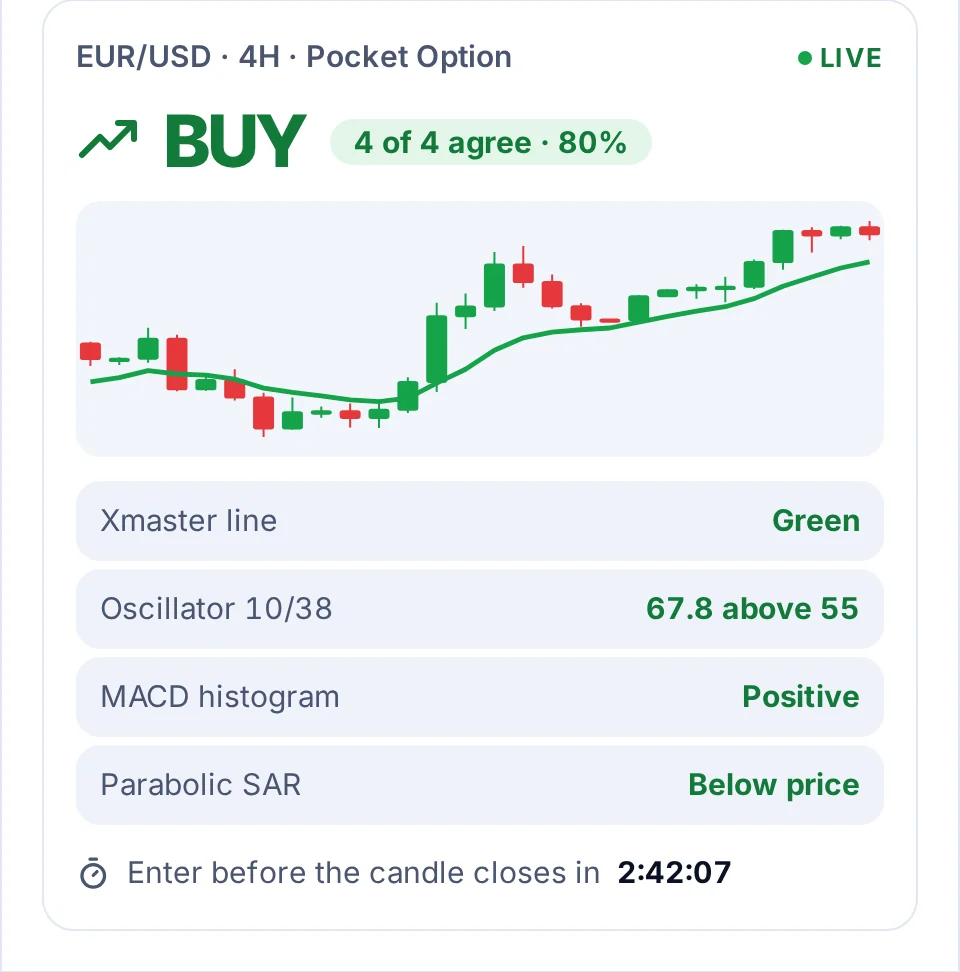
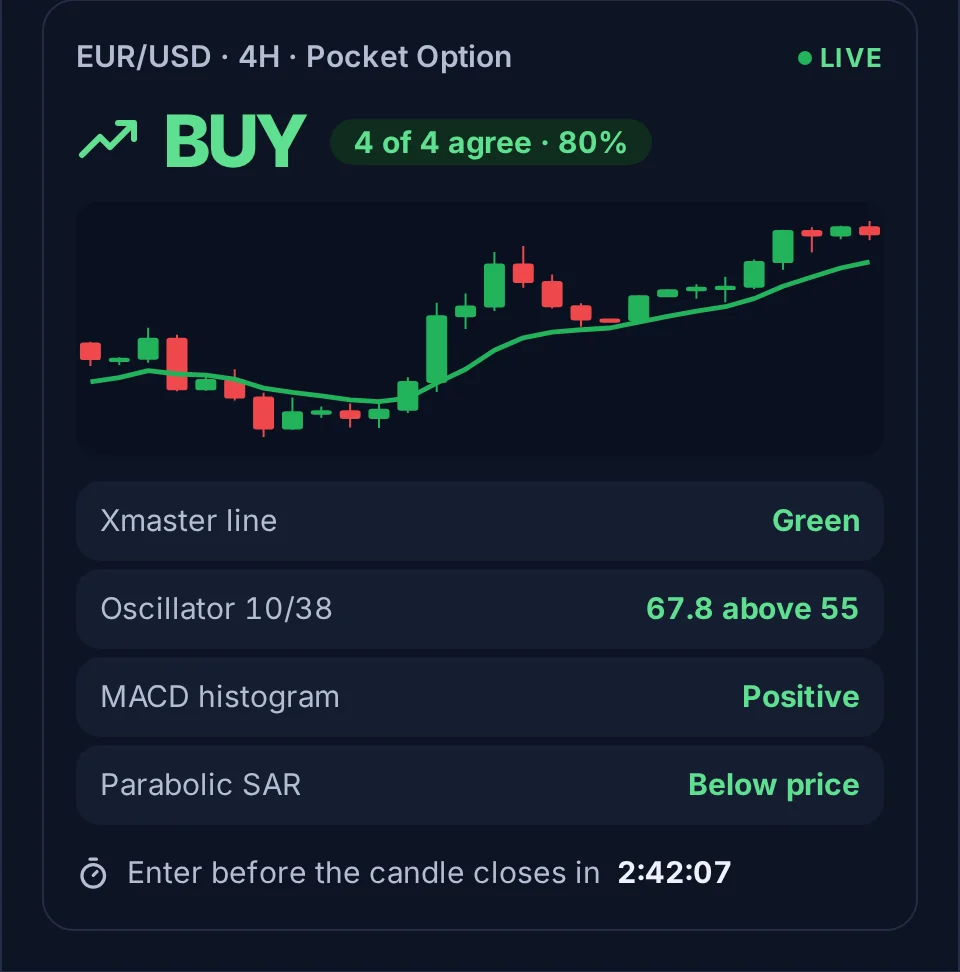
Step 5 of 5 · The answer
For you: the agreement measures how clearly the checks line up, never the chance a trade wins.
Partner brokers
Open a free account with one of our three partner brokers and trade the Xmaster signals there. Each one offers a demo account to practise on first.
Fast binary trades from 5 seconds, real and OTC pairs, a free demo account.
Sign up on Pocket OptionA clean trading screen, OTC pairs around the clock and a free demo to practise on.
Sign up on QuotexFixed time trades on forex, metals and crypto, with a free demo account.
Sign up on Olymp TradePartner links: we may earn a commission when you open an account, at no cost to you. Trading carries a high risk of loss.
How to get a licence
4H and 1D read free for everyone. A licence opens the other fourteen expiries, from 5 seconds to 2 hours, on every broker.
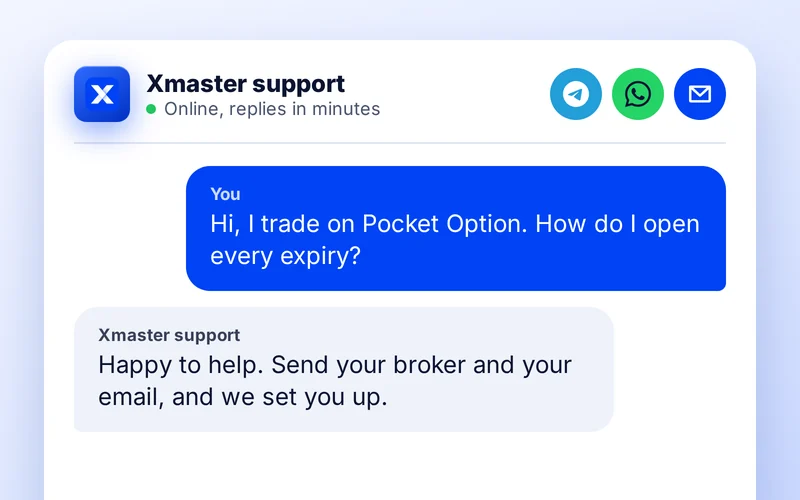
Send support your broker, Pocket Option, Quotex or Olymp Trade, and the email you want the licence on. They reply with the way to get a licence for that broker.
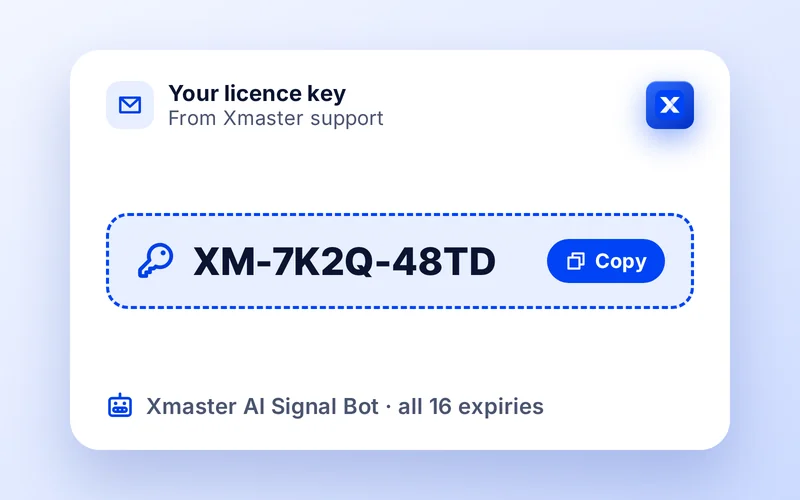
Support sends a licence key that starts with XM-. The same key shows under My Products when you sign in with that email.
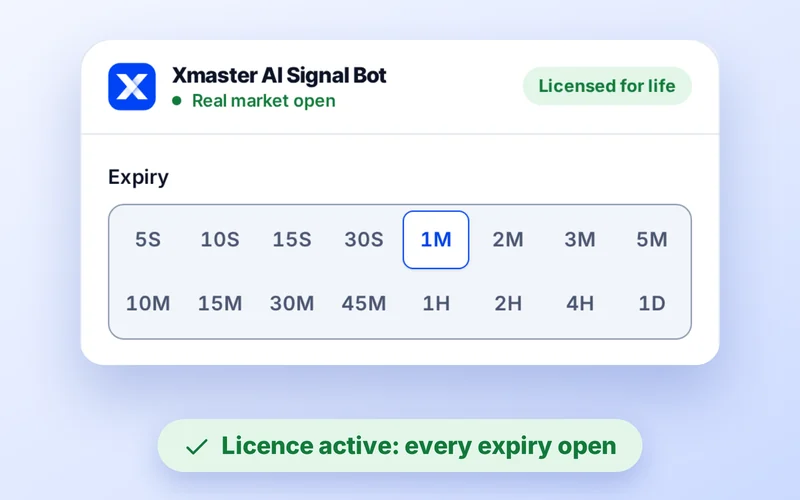
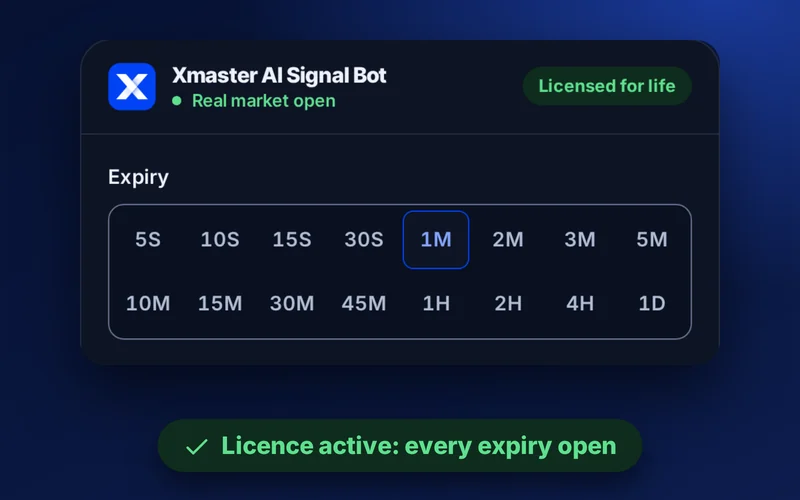
Type the key in the licence box under Get signal, or sign in. The padlocks leave all sixteen expiries at once, on every broker.
At a glance
One panel, four checks, one answer. Everything the bot shows you, and nothing it asks of your broker account.
How it reads
The bot uses the same XHMaster formula as the MT4, MT5 and TradingView indicator, scaled to the expiry you pick. Each read asks four questions of the candles behind your expiry.
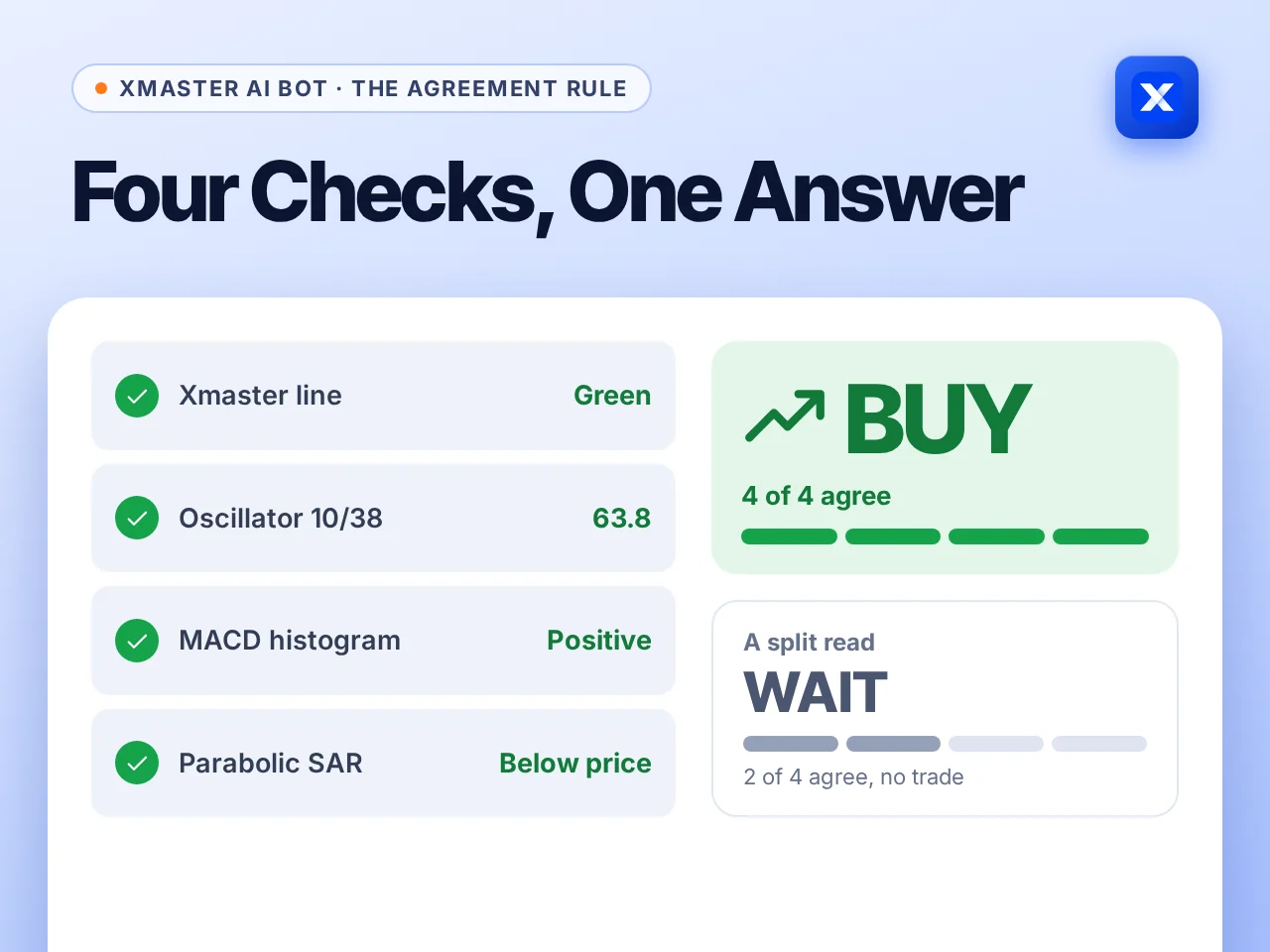
BUY or SELL. At least three of the four checks agree with the line, and the oscillator is past its trigger level.
WAIT. The checks disagree, or the oscillator sits between 45 and 55. There is nothing clean to act on.
Agreement. How firmly the checks line up, as a share from 0 to 100. It measures clarity, not the chance a trade wins.
Is the 10/38 trend line green or red on the expiry's candles? This sets the direction the other three must confirm.
Is the score above 55 or below 45? Between the two, the trend has no clear push and the bot leans to WAIT.
Is momentum on the same side? A positive histogram backs a BUY, a negative one backs a SELL.
Are the SAR dots below price for a BUY or above it for a SELL? It catches a turn the averages have not seen yet.
The agreement rule
Every read puts four questions to the candles. BUY or SELL needs at least three of the four on the same side, with the oscillator past its trigger. Anything less is WAIT, and the card shows which check broke ranks.
Reading the answer
Every read ends in one of three words. Each asks something different of you, and one of them asks you to wait.
BUY
The checks expect the next candle to close higher.
Your move: Open an up (Buy or Higher) trade on the same pair and expiry, at the stake you set before you looked.
SELL
The checks expect the next candle to close lower.
Your move: Open a down (Sell or Lower) trade on the same pair and expiry. Same stake, no doubling up.
WAIT
The checks disagree, so there is no clean read.
Your move: Skip this candle, or read another pair. Not trading is a valid answer.
Sixteen expiries
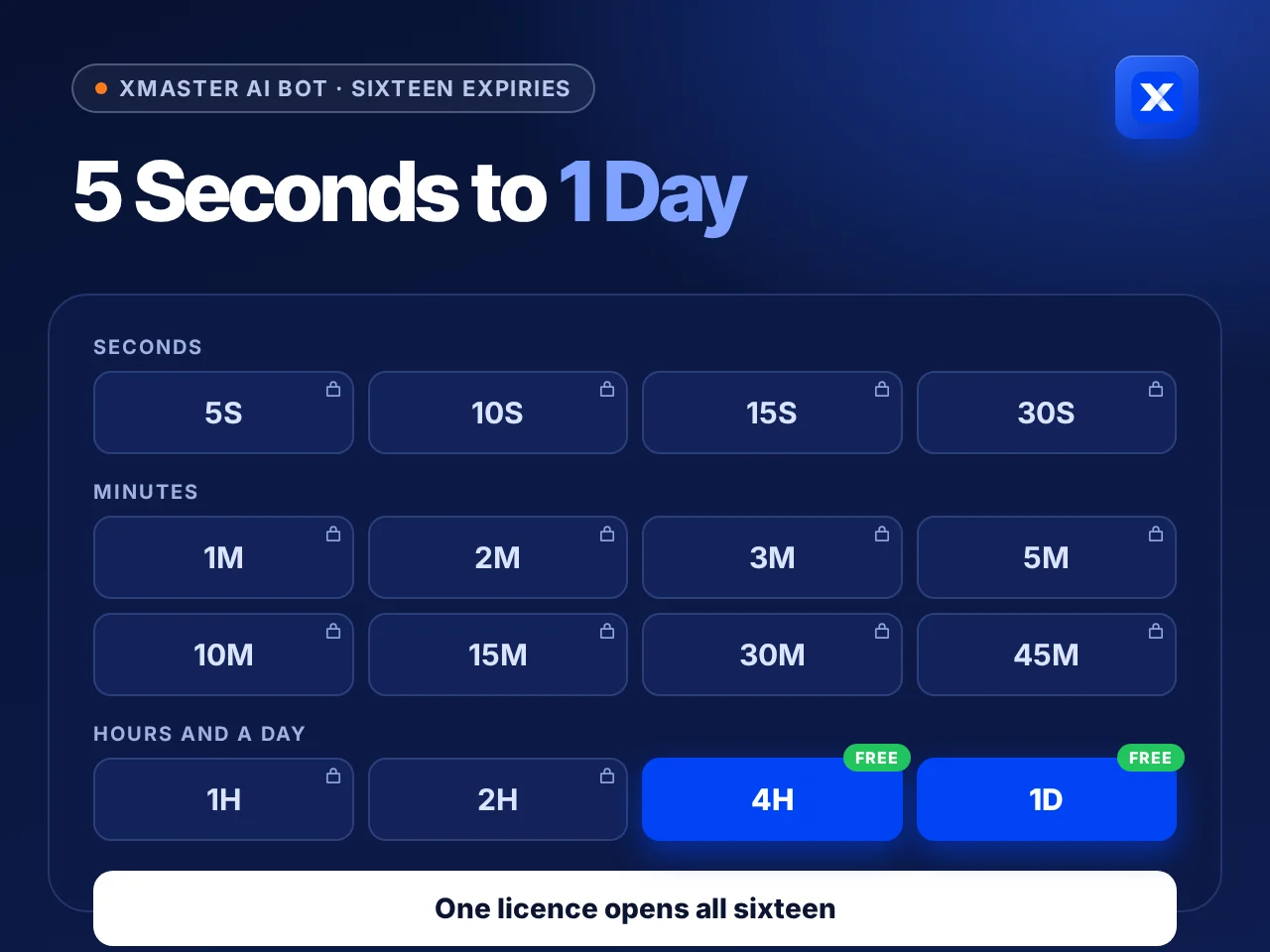
The Expiry grid holds sixteen expiries: seconds for fast tickets, minutes for the usual binary trade, hours and a day for the slower push behind a trend. 4H and 1D are free for everyone, and one licence opens the other fourteen at once.
Expiries
Shorter is not better. The shorter the expiry, the more a single random tick decides the trade. If you are new, start in minutes.
| Expiry | What decides it | How to treat it | Suits |
|---|---|---|---|
| 5S to 30S | One or two ticks decide the trade | Very fast. Only take reads with 4 of 4 checks agreeing. | Experienced traders |
| 1M to 5M | Short bursts of momentum | The usual binary range. Time to read the answer and enter. | Most traders |
| 10M to 45M | The push behind a small trend | Calmer. The four checks have more candles to agree on. | New traders |
| 1H to 1D | The trend of the session or the day | Slow. One read can stand for hours, so size the stake for it. | Patient traders |
Real market or OTC
EUR/USD and EUR/USD OTC are not the same thing. When the real market closes, the bot says so and points you to OTC rather than reading a frozen chart.
Read the market your trade will fill in. A weekday read is the wrong input for a Saturday OTC trade.
| Real market | OTC | |
|---|---|---|
| Open | Sunday 21:00 to Friday 21:00 UTC | Around the clock, every day |
| Price comes from | The interbank currency market | Your broker's own quotes |
| Symbols | Forex, gold, silver, oil, indices and Bitcoin | Forex, exotics, crypto, metals, oil, indices and stocks |
| Watch out for | News releases moving price in seconds | Moves that differ from the live pair |
Before each trade
Fast expiries punish rushed decisions. Run the same short check every time.
Decide the stake for the whole session before the first read. It does not change after a loss.
Broker, market, pair and expiry in the bot equal the trade you are about to open.
The word, then the agreement, then the clock. WAIT ends the routine here.
If only a second or two is left, the read is spent. Wait for the next candle.
Note each read and what the candle did. Your record, not ours, decides whether the bot suits you.
FAQ
A free online signal tool for Pocket Option, Quotex and Olymp Trade. You choose a market, a pair and an expiry from 5 seconds to 1 day, and it answers BUY, SELL or WAIT using the four Xmaster checks, with an agreement score and a countdown.
The 4 hour and 1 day expiries are free on every broker, market and pair, with no sign-up and no card. The other fourteen expiries open with a licence key, which support explains how to get.
Pocket Option, Quotex and Olymp Trade. Each read is stamped with the broker it was made for, because their prices, and especially their OTC prices, differ.
It runs the same formula: the EMA 10/38 trend line and oscillator, confirmed by MACD and Parabolic SAR. The MT4, MT5 and TradingView versions show it on a full chart instead.
Because on short charts the checks often disagree. A tool that always says BUY or SELL is guessing on those candles. Skipping them is part of the method.
Yes, on OTC pairs. The real currency market is closed from Friday 21:00 to Sunday 21:00 UTC, and the bot tells you when it is.
No. It never asks for your broker login and never places trades. You trade on your broker's own site or app.
No tool can. Binary options can lose the whole stake, and losing runs happen even with good reads. Read the risk warning before trading with real money.
Other versions
One formula, four places to run it. Pick the one that matches where you trade.

The .ex4 file for MetaTrader 4, with the 2026 three-signal build and the classic 2025 build.

The .ex5 file for MetaTrader 5, with the same two builds and the same settings.
The open-source no repaint script on TradingView, with Standard and Advance modes.
Pick your platform. Every version is free, and each page walks you through the install in a few minutes.